Too many dashboards
Teams keep searching, copying, and pasting between stores, ERPs, sheets, and chat tools.
TIME LOSTWe build browser extensions, API integrations, and automation tools for cross-border e-commerce teams, so repetitive work across dashboards, spreadsheets, and chat windows runs automatically and stays traceable.
When people move information between dashboards by hand, busier days bring more errors and missed follow-ups.
Teams keep searching, copying, and pasting between stores, ERPs, sheets, and chat tools.
TIME LOSTFiltering, tagging, messaging, and exporting consume attention at every step.
REPETITIVEOrders, logistics, and creator follow-ups slip when there is no shared source of truth.
ERROR PRONERules stay in senior operators’ heads, so every new teammate repeats the same learning curve.
HARD TO SCALEWe find the slowest, most error-prone step first, then decide whether a browser extension, API, or desktop tool fits best.
Put scraping, filtering, form filling, and batch actions directly inside the back-office pages your team already uses.
Connect marketplaces and operational tools so orders, logistics, and reports move without manual copying.
Turn outreach, follow-ups, order filtering, and reporting into one traceable operating system.
Automate local files, desktop messaging, and cross-app steps that browser tools cannot reach.
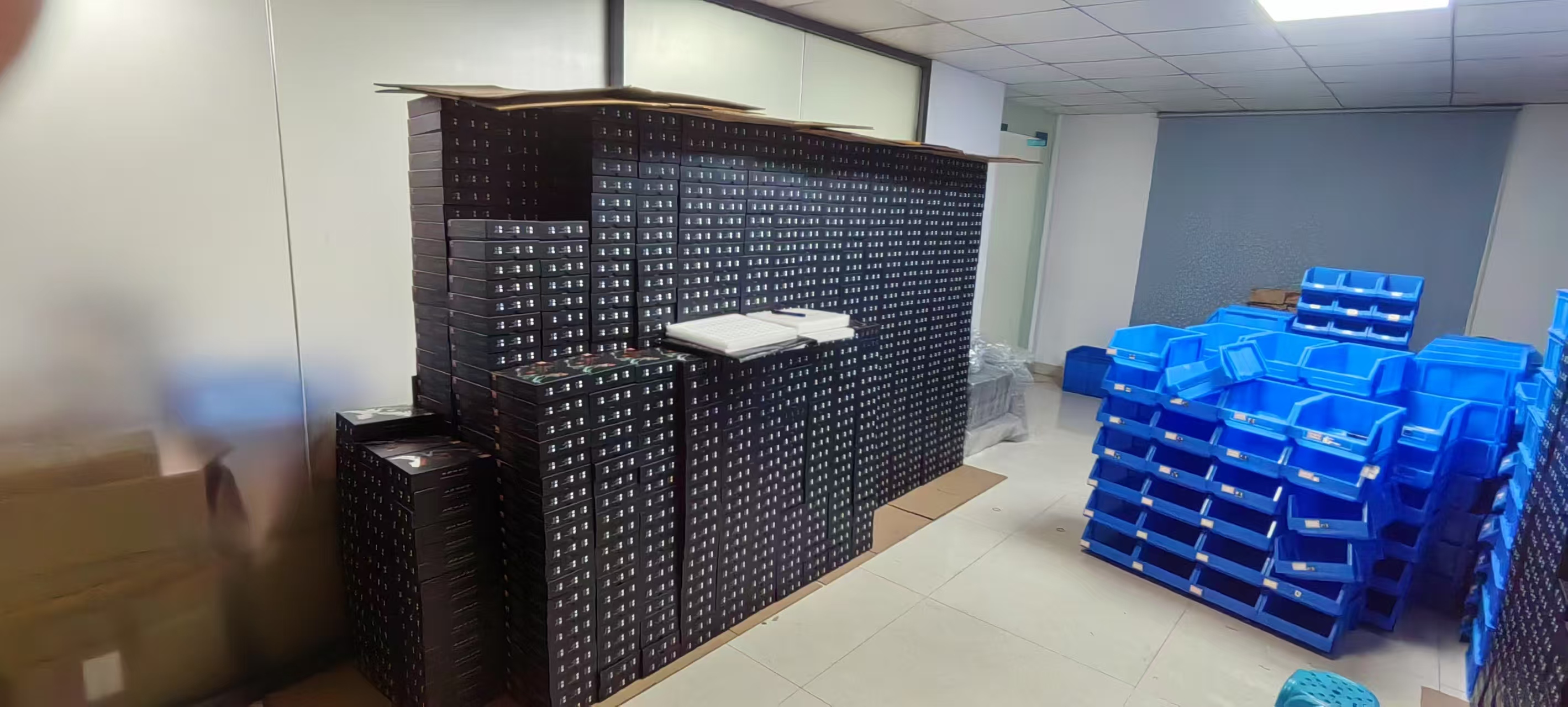
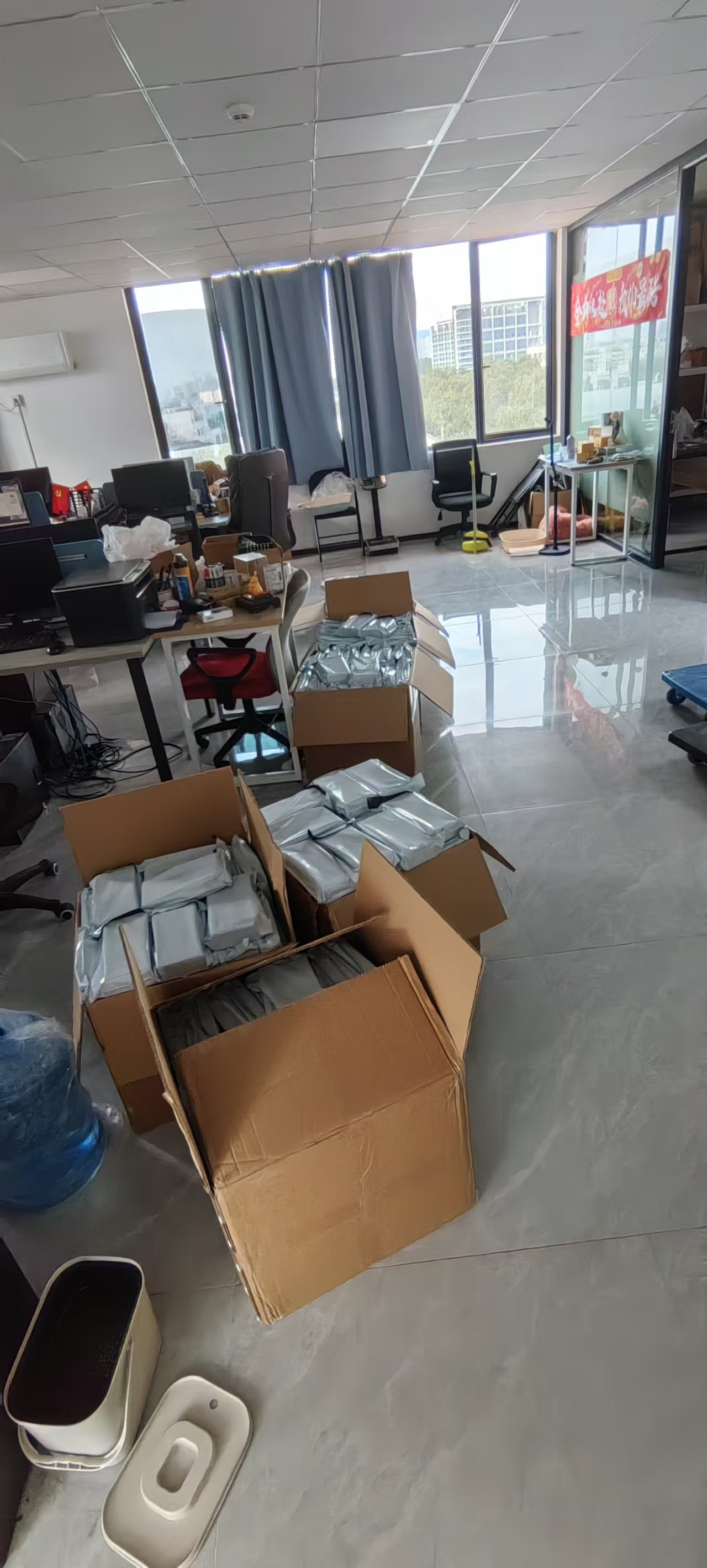
We have handled inventory, labeling, content production, and team coordination ourselves. That makes it easier to see what a machine should do and what still needs human judgment.
See more team photos ↗

The TikTok creator outreach tool is already part of daily operations and has improved through five rounds of team feedback.
The tool runs inside the business dashboard, reads order and creator data, applies screening rules, creates follow-up tasks, and records message status to prevent duplicate outreach.
Chat panel located; loaded #followup_10d
10:24:20Message sent; state synchronized
10:24:22Processing the next record_
Platforms change, so automation needs maintenance. Critical paths include structure checks, fallback selectors, clear errors, and diagnostic logs—so when something breaks, we find the cause first.
We deliver and test in stages, so you never wait until the final day to see the first working version.
Who does it, how it runs, how long it takes, and where it fails.
Agree on flow, technical path, timeline, price, and acceptance criteria.
Receive working builds at key milestones and feed back real operating results.
Cover normal and failure paths, then hand over the tool, guide, and support scope.
These are typical engagement ranges. Final pricing depends on platform constraints, workflow length, exceptions, and delivery scope.
Best for one clear repetitive task
¥3,000 – ¥8,000Best for a complete business process
¥15,000 – ¥40,000Best for teams with a steady roadmap
¥8,000 – ¥20,000 / moSolution design, technology choices, code review, or team training
¥500 – ¥1,500 / hourChoose the closest scenario to see a sensible starting point.
Choose one scenario and we will suggest the right first step.
High-frequency, rules-based work that involves repeated copying, clicking, or follow-up is usually the best place to start. We assess the return before recommending a build.
Yes. Show us how the work happens today, who does it, how often it runs, and where mistakes occur. We will help turn that into a concrete scope.
Depending on the engagement, delivery includes a working build, usage documentation, and source code within the agreed scope, plus deployment and account requirements.
Browser automation can be affected by UI changes. Critical paths are designed with structure checks, fallback selectors, clear errors, and diagnostic logs, with maintenance boundaries agreed upfront.
The first conversation is free. Bring your current steps, screenshots, or spreadsheet, and we will explain a practical first move in 30 minutes.
REMOTE COLLABORATION · ONSITE AVAILABLE · LONG-TERM ITERATION